
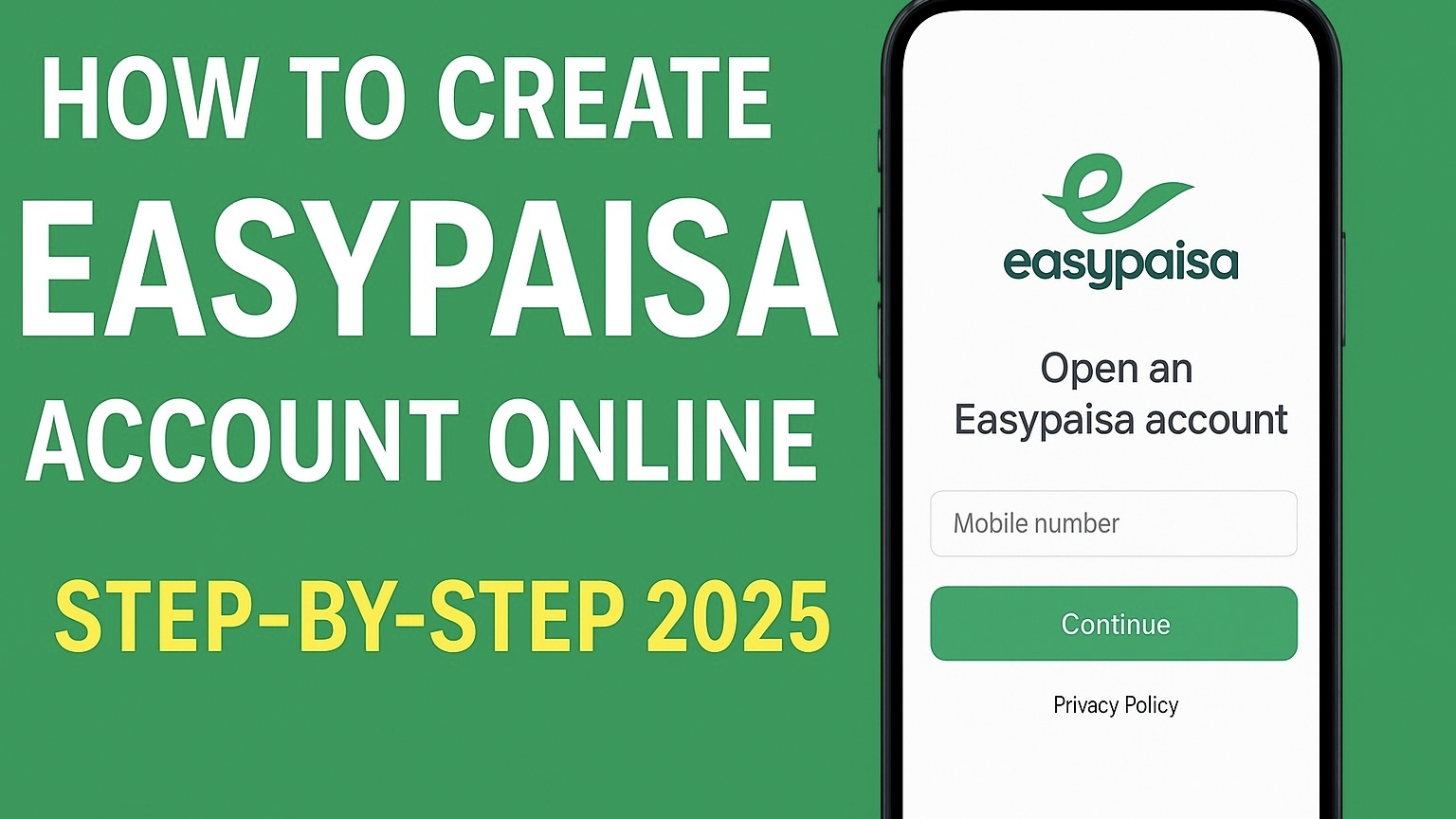
Easypaisa Account Online
In 2025, managing money has become easier than ever — and one of the best tools for this in Pakistan is Easypaisa. Whether you want to send money, pay bills, recharge your phone, or even apply for a small loan, Easypaisa lets you do it all through your mobile phone.
If you don’t yet have an Easypaisa account, this step-by-step guide will show you exactly how to create an Easypaisa account online in just a few minutes. You’ll also learn how to verify your CNIC, activate your mobile wallet, and fix common account creation issues.
What is Easypaisa?
Easypaisa is Pakistan’s leading mobile wallet and digital banking platform, launched by Telenor Microfinance Bank. It allows you to perform financial transactions directly from your phone — no bank branch visits needed.
Through Easypaisa, users can:
- Send and receive money instantly.
- Pay electricity, gas, and water bills.
- Recharge mobile credit.
- Apply for micro-loans.
- Shop online or in-store using QR codes.
In short, Easypaisa is a complete digital banking solution for anyone who wants convenience and speed in their financial life.
Requirements to Open an Easypaisa Account Online
Before you create your Easypaisa account, make sure you meet the following requirements. These are basic but very important:
- Valid CNIC (Computerized National Identity Card):
Your CNIC must be active and not expired. It’s needed for verification. - Mobile Number (Registered on Your CNIC):
The number you use to create your account must be registered in your own name. - Internet Connection:
Required if you’re using the Easypaisa app or online registration. - Smartphone (for Easypaisa App users):
Android or iPhone device to install and access the Easypaisa app. - Strong PIN Code (4 or 5 digits):
You’ll create this to secure your Easypaisa account.
Once you have these ready, you can begin your registration process.
Easypaisa Account Registration Steps (Online & App Method)
You can create your Easypaisa account in two ways:
- Using the Easypaisa mobile app, or
- Using the *USSD code (786#) from any mobile phone.
Let’s go step-by-step through both methods.
Method 1: Create Easypaisa Account Using the App
This is the easiest and most popular method. Follow these steps carefully:
- Download the Easypaisa App:
- Go to Google Play Store (for Android) or Apple App Store (for iPhone).
- Search “Easypaisa App” or use direct links:
→ [Easypaisa App Download] - Tap “Install.”
- Open the App:
Once installed, open the Easypaisa app. You’ll see options for Login or Create Account. - Tap “Create Account”:
Choose the option to create a new account. You’ll be asked to enter your mobile number. - Enter Your Mobile Number:
Type your Telenor or any other network number that’s registered in your CNIC.
Easypaisa works with all mobile networks now — not just Telenor. - CNIC Verification:
Enter your CNIC number and issue date exactly as printed on your ID card. - Set a Secure PIN:
Create a 5-digit PIN (this will be your password for Easypaisa).
Don’t share this PIN with anyone. - Agree to Terms & Conditions:
Read the privacy and usage terms, then tap “Agree.” - OTP Verification:
Easypaisa will send you a one-time password (OTP) via SMS. Enter it to confirm your identity. - Account Created Successfully!
You’ll now have a basic Easypaisa account ready to use for transactions.
You can now send money, buy mobile load, or pay bills instantly.
*Method 2: Create Easypaisa Account Using 786# (Without App)
If you don’t have internet or a smartphone, don’t worry — you can still create an Easypaisa account using any mobile phone.
Here’s how:
- *Dial 786# from your mobile phone.
- You’ll see the Easypaisa menu appear on your screen.
- Select “Create New Account.”
- Enter your CNIC number when prompted.
- Set your 5-digit PIN code (make sure it’s easy to remember but hard to guess).
- Confirm your PIN.
- You’ll receive a confirmation SMS that your Easypaisa account has been created.
That’s it! Your Easypaisa mobile account is now active.
CNIC & Mobile Number Verification
Easypaisa requires your CNIC for KYC (Know Your Customer) verification. This is necessary for security and compliance with Pakistan’s banking regulations.
Here’s how to verify your CNIC:
- Make sure your SIM card is registered in your own name (same CNIC).
- When entering CNIC details in the app, double-check the number and issue date.
- Easypaisa automatically verifies your CNIC via NADRA systems.
- If verification fails, contact the Easypaisa helpline: 3737 (from Telenor) or 042-111-003-737 (other networks).
Once your CNIC is verified, your account becomes fully functional for all transactions.
*Using 786# for Account Creation & Transactions
The *786# USSD service is one of the fastest and most reliable ways to access Easypaisa on any mobile phone — especially useful for those without internet.
You can use *786# to:
- Create an Easypaisa account
- Check your balance
- Send or receive money
- Pay bills and buy mobile load
- Change your PIN or reset it
To start, simply dial *786# and follow the menu options. This service works on all major networks in Pakistan including Telenor, Jazz, Zong, and Ufone.
Common Problems & Solutions
While creating your Easypaisa account, you might face some issues. Here are common problems and how to fix them:
1. CNIC Verification Failed
- Make sure the CNIC issue date is entered correctly.
- Your SIM must be registered under the same CNIC.
- Try again after a few minutes or call Easypaisa support.
2. OTP Not Received
- Check if your phone has signal and SMS service.
- Restart your device and request the OTP again.
- If still not received, contact your mobile operator.
3. Invalid PIN Error
- Ensure your PIN is 5 digits.
- Don’t use obvious numbers like 12345 or 00000.
- Reset it through the *786# service if forgotten.
4. App Not Installing
- Make sure you have enough storage space.
- Clear Play Store cache or try again later.
5. Account Locked
- This happens after multiple incorrect PIN attempts.
- Call Easypaisa Helpline to unlock your account safely.
How to Upgrade Your Easypaisa Account
There are two types of Easypaisa accounts:
- Level 1 (Basic Account): Limited transaction limit.
- Level 2 (Upgraded Account): Higher limit and more features.
To upgrade:
- Open the Easypaisa app.
- Tap on “Upgrade Account.”
- Upload a clear CNIC photo (front & back).
- Take a selfie for verification.
- Submit details for review.
Within 24 hours, your account will be upgraded, giving you higher transaction limits and additional services like savings and insurance.
FAQs – Easypaisa Account
Q1. Can I create an Easypaisa account without a Telenor SIM?
Yes, Easypaisa now works with all networks — Jazz, Zong, Ufone, and Telenor.
Q2. How long does it take to create an Easypaisa account?
Usually less than 5 minutes, provided your CNIC and number match.
Q3. Is there any fee to create an Easypaisa account?
No, Easypaisa registration is 100% free.
Q4. Can I open more than one Easypaisa account?
No, only one account per CNIC is allowed.
Q5. How do I reset my Easypaisa PIN?
Dial *786# and follow the menu for “Forgot PIN.” You’ll receive an OTP for reset.
Q6. How do I delete my Easypaisa account?
Call the Easypaisa helpline and request closure. They’ll verify your identity first.
Final Thoughts
Creating an Easypaisa account online is a quick, safe, and convenient way to manage your finances digitally. Whether you’re using the app or the *786# code, the process takes only a few minutes.
By following the steps above — from registration to CNIC verification — you can easily start using Easypaisa for payments, transfers, and online transactions.
In 2025, Easypaisa continues to be Pakistan’s most trusted digital wallet, empowering millions to go cashless and manage money smarter.
RELATED:
Easypaisa App Download for Android & iPhone (2025 Version)
What is Easypaisa & How It Works in 2025 | Step-by-Step Guide
4 thoughts on “How to Create an Easypaisa Account Online (2025 Guide)”