
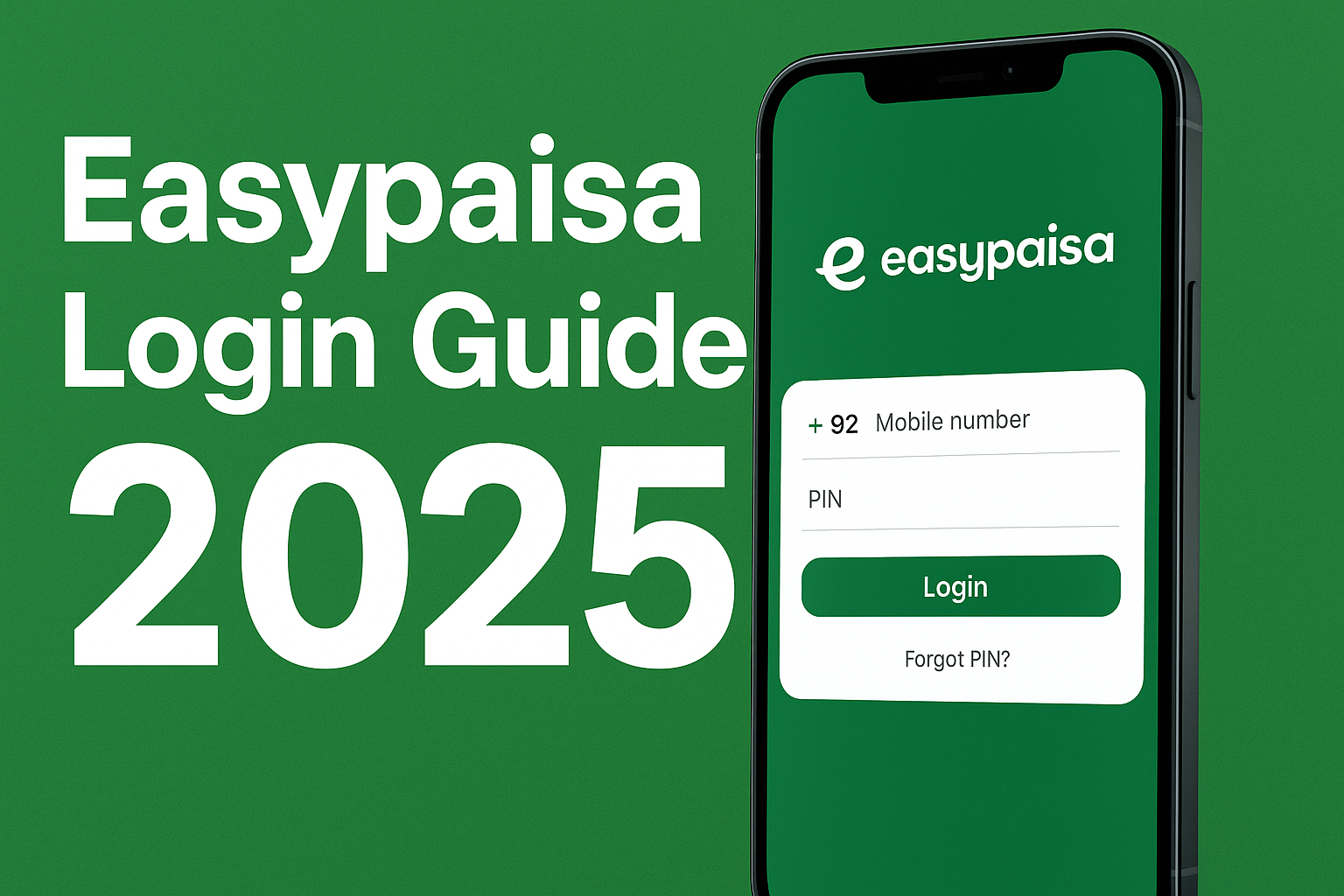
Easypaisa Login
Easypaisa has become one of Pakistan’s most trusted digital banking platforms, allowing millions of users to send and receive money, pay bills, recharge phones, and shop online without needing a traditional bank account. Whether you’re using Easypaisa for business, personal use, or online payments, knowing how to log in to your Easypaisa account is essential.
In this complete 2025 guide, you’ll learn how to log in to Easypaisa using the mobile app, web browser, and USSD code (*786#). We’ll also show you how to reset your password, fix login problems, and understand every step clearly — even if you’re a first-time user.
What is Easypaisa?
Before diving into the login process, let’s understand what Easypaisa is. Easypaisa is a digital payment and mobile wallet service by Telenor Microfinance Bank, launched to make financial transactions simple and accessible for every Pakistani.
With Easypaisa, you can:
- Send and receive money instantly
- Pay utility bills and mobile recharges
- Transfer funds to any bank account
- Make QR payments and shop online
- Apply for loans and insurance services
To enjoy these services, you must create an Easypaisa account and log in securely using your registered mobile number and PIN.
If you haven’t made an account yet, check this detailed step-by-step guide:
👉 Read More: [Easypaisa Account Create Guide]
Why Login to Easypaisa?
Logging in to Easypaisa gives you complete control over your digital wallet. It lets you:
- Access your balance anytime, anywhere
- Track transaction history
- Manage your profile and linked bank accounts
- Get instant notifications and updates
- Use Easypaisa for business payments and savings plans
Whether you use Easypaisa through the app or browser, the login process is quick and secure — designed for both Telenor and non-Telenor users.
Easypaisa App Login Steps
Logging into your Easypaisa account through the Easypaisa mobile app is the most common and convenient way. Follow these updated 2025 steps:
Step 1: Download and Install the Easypaisa App
If you haven’t installed the app yet, download it from:
- Google Play Store (Android)
- Apple App Store (iPhone)
You can also get the latest version using our guide:
👉 Read More: [Easypaisa App Download 2025]
Once installed, open the app on your phone.
Step 2: Enter Your Registered Mobile Number
On the login screen, enter the mobile number you used during Easypaisa account registration.
Example: 03XXXXXXXXX
Make sure you’re entering the correct number linked with your CNIC.
Step 3: Enter Your 5-Digit PIN
After typing your mobile number, you’ll be asked for your Easypaisa PIN. This 5-digit PIN is your security key to log in and authorize transactions.
✅ Tip: Never share your PIN with anyone. Easypaisa officials will never ask for it.
Step 4: Complete Login Verification
Depending on your device settings, Easypaisa may ask for:
- Fingerprint or Face ID authentication, or
- OTP (One-Time Password) sent via SMS
Enter the verification code or biometric confirmation to access your account dashboard.
Step 5: Access Your Easypaisa Dashboard
Once logged in, you can:
- View account balance
- Send or receive money
- Pay bills, recharge, or order debit cards
- Apply for Easypaisa loans or insurance
Your Easypaisa app is now ready for use!
Web Login (Browser Access)
Although Easypaisa is primarily designed for mobile users, many people prefer using Easypaisa Web Login to check their accounts from laptops or desktops.
Here’s how you can do it in 2025:
Step 1: Visit the Official Easypaisa Website
Go to the official website:
🌐 https://www.easypaisa.com.pk
Make sure you’re on the official website to avoid phishing or fake login pages.
Step 2: Click on “Login” or “My Account”
On the homepage, locate the “Login” or “My Account” button at the top-right corner.
Click on it to open the Easypaisa login portal.
Step 3: Enter Your Mobile Number
Now enter your Easypaisa registered mobile number (03XXXXXXXXX).
Double-check to ensure you’ve entered the correct number.
Step 4: Enter Your Easypaisa PIN
Type your 5-digit PIN to confirm your identity.
If you’ve enabled 2-Step Verification, you might receive an OTP on your phone. Enter that code to proceed.
Step 5: Access Easypaisa Web Dashboard
Once logged in, you can:
- View your balance and transaction history
- Make transfers or payments online
- Manage profile and account details
- Download transaction statements
👉 Note: Web login is currently limited in features compared to the Easypaisa app. For full access, use the Easypaisa mobile app.
*Login via 786# Code
If you don’t have an internet connection or smartphone, Easypaisa offers a simple USSD code login method using any mobile phone.
Here’s how you can log in and use Easypaisa with the *786# code:
Step 1: Open Dial Pad
On your mobile phone, open the dial pad.
*Step 2: Dial 786#
Type *786# and press the Call button.
This service works on all mobile networks, not just Telenor.
Step 3: Enter Your Easypaisa PIN
The screen will show options for Easypaisa services.
You’ll be asked to enter your 5-digit PIN to access your account.
Step 4: Choose Your Desired Option
After login, you can:
- Send money
- Check balance
- Pay bills
- Recharge mobile
- Access savings and insurance options
This method is especially useful for users without smartphones or internet data.
So even without the Easypaisa app, you can still enjoy its services easily.
How to Reset Your Easypaisa Password
Forgot your Easypaisa PIN or facing login errors? Don’t worry — Easypaisa allows you to reset your password quickly.
Here’s how to do it safely in 2025:
Option 1: Reset PIN through Easypaisa App
- Open the Easypaisa App.
- On the login screen, tap “Forgot PIN”.
- Enter your registered mobile number.
- Enter your CNIC number (as on your ID card).
- You’ll receive an OTP code via SMS.
- Enter the OTP and set a new 5-digit PIN.
Now, you can log in using your new PIN.
*Option 2: Reset via 786#
If you don’t have internet, you can still reset your PIN through USSD.
- Dial *786#.
- Select “Forgot PIN” option.
- Provide your CNIC number and date of birth.
- You’ll receive an OTP on your phone.
- Set a new PIN and confirm.
Option 3: Contact Easypaisa Helpline
If the above methods don’t work, call Easypaisa Helpline 3737 (from Telenor) or 042-111-003-737 (from any network).
Provide verification details, and they’ll help you reset your PIN.
Easypaisa Login Problems & Fixes
Many users face issues while trying to log in to Easypaisa, especially after updates or changing devices. Here are the most common Easypaisa login problems and their fixes:
Problem 1: Incorrect PIN
Reason: Entered wrong PIN multiple times.
Fix:
- Wait 5 minutes and try again.
- If you forgot your PIN, use the “Forgot PIN” option to reset.
Problem 2: Account Temporarily Blocked
Reason: Security system locked your account due to repeated failed attempts.
Fix:
- Wait for 24 hours before retrying.
- Contact Easypaisa Helpline if you need immediate access.
Problem 3: App Not Opening or Crashing
Reason: Outdated app version or cache issue.
Fix:
- Update Easypaisa App from Play Store or App Store.
- Clear app cache in your mobile settings.
- Restart your phone.
Problem 4: OTP Not Received
Reason: Network issue or SIM not active.
Fix:
- Ensure your SIM is inserted and active.
- Wait a few minutes and request the OTP again.
- Switch to an area with better network coverage.
Problem 5: Biometric Login Not Working
Reason: Device update or fingerprint mismatch.
Fix:
- Re-register your fingerprint or face ID in your device settings.
- Disable biometric login and use PIN instead.
Problem 6: Website Login Not Loading
Reason: Browser cache or maintenance period.
Fix:
- Clear browser cache and cookies.
- Try using a different browser like Chrome or Edge.
- Visit during non-peak hours.
Problem 7: Error Code 101 or 502
Reason: Server downtime or poor connection.
Fix:
- Wait a few minutes and retry.
- Check Easypaisa social pages for downtime alerts.
Extra Tip:
Keep your Easypaisa app updated to the latest version (2025) for best performance and improved security.
Easypaisa Login Safety Tips
To protect your account and money, always follow these safety rules:
- Never share your PIN or OTP with anyone.
- Always use the official Easypaisa App or website.
- Avoid logging in on public or shared devices.
- Enable biometric login for extra protection.
- Regularly update your PIN.
- Logout from the app when using a shared phone.
Your account security depends on how safely you manage your credentials.
Benefits of Easypaisa Login (2025)
Once you’re logged in, you can enjoy all Easypaisa features, including:
✅ Instant Money Transfers – Send to CNIC, bank, or other Easypaisa users
✅ Bill Payments – Electricity, gas, water, internet, etc.
✅ Online Shopping – Pay through Easypaisa QR or payment gateway
✅ Mobile Recharge – All networks supported
✅ Easypaisa Debit Card – For ATM withdrawals and shopping
✅ Loan & Insurance – Quick access to Easypaisa short-term loans
✅ Savings Account – Earn profit on your digital wallet
Easypaisa is Pakistan’s all-in-one financial platform for both urban and rural users.
FAQs – Easypaisa Login 2025
1. Can I log in to Easypaisa without the app?
Yes, you can log in via *786# or through the Easypaisa website on your browser.
2. What if I forget my Easypaisa PIN?
Use the “Forgot PIN” option in the app or dial *786# to reset it using your CNIC and OTP.
3. Can non-Telenor users log in to Easypaisa?
Yes! Easypaisa works on all networks — Jazz, Zong, Ufone, and Telenor.
4. Is Easypaisa login safe?
Absolutely. Easypaisa uses advanced encryption and OTP verification to ensure your transactions remain secure.
5. Can I use Easypaisa on two phones?
You can, but you’ll receive OTP verification each time you log in on a new device.
6. Why can’t I log in after reinstalling the app?
Ensure your SIM is active and registered under your CNIC. Then log in again using your number and PIN.
7. What to do if Easypaisa app shows “Server Error”?
This usually means temporary maintenance. Try again after a few minutes.
8. Can I log in to Easypaisa abroad?
Yes, if you have your registered SIM active in roaming mode and access to the Easypaisa app or *786# service.
9. How do I change my Easypaisa registered number?
You must visit a nearby Easypaisa agent or Telenor branch with your CNIC to update your mobile number.
10. How do I contact Easypaisa for login issues?
Call 3737 (Telenor) or 042-111-003-737 (other networks). You can also email care@easypaisa.com.pk for help.
Final Thoughts
Logging in to Easypaisa is simple and safe when you follow the right steps. Whether you use the app, browser, or USSD code, Easypaisa ensures secure access to your digital wallet anytime, anywhere.
If you face login issues, don’t panic — just reset your PIN, update your app, or contact the Easypaisa support team. Always stay alert against scams and never share your security details.
Easypaisa continues to empower Pakistan’s digital economy in 2025 with fast, easy, and secure financial services for everyone.
So go ahead, log in today, and take full control of your Easypaisa account!
Related Articles:
Easypaisa App Download for Android & iPhone (2025 Version)
What is Easypaisa & How It Works in 2025 | Step-by-Step Guide
1 thought on “Easypaisa Login 2025 | Access Account via App or Web”