Easypaisa Loan Code 2025 – USSD Codes and Application Process
In this comprehensive guide on the Easypaisa loan method, we will deal with the USSD codes and how to use them to apply for a loan, check the loan status, repay the loan amount, and why this ability to use USSD is becoming a much-preferred option for digital lending in Pakistan.
What is an Easypaisa Loan Code?
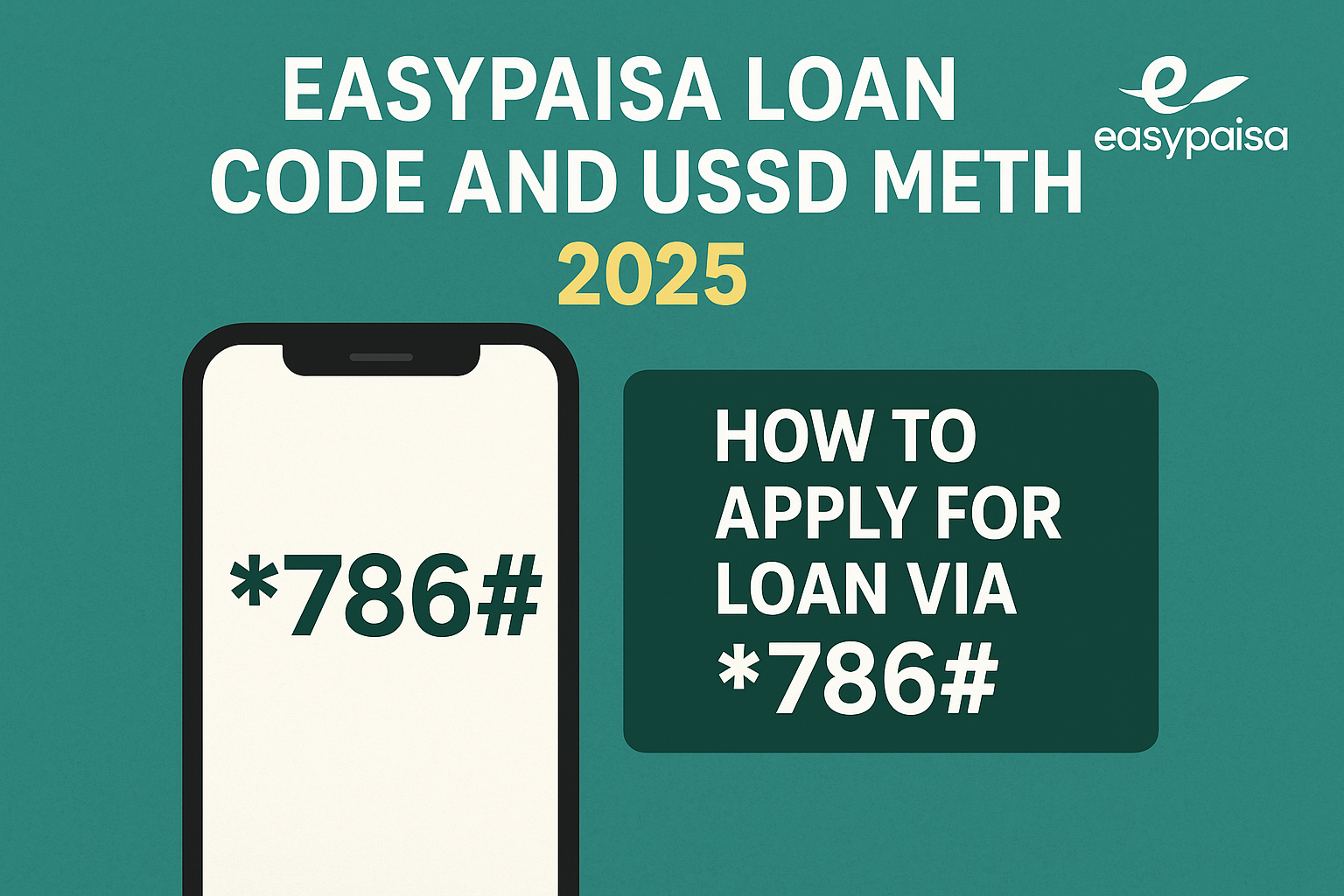
The Easypaisa Loan Code is a star USSD number that offers a quick shortcut to many of the Easypaisa services without requiring the use of the internet. Just dial *786# for instant digital loans, balance inquiry, or payment function.
This code is obviously a fantastic solution for those who cannot afford a smartphone or live in areas with poor internet connectivity. It allows every Easypaisa user to avail of instant loan services irrespective of his device or location.
✅ Some Key Features of Easypaisa Loan Code 2025
- USSD Code:
*786# - Alternative Code:
7861(in some regions) - Loan Type: Instant short-term digital loan
- Eligibility: An active Easypaisa account
- Availability: All over Pakistan
- Network Support: Telenor, Jazz, Zong, and Ufone
Easypaisa introduced this USSD way to facilitate micro-loan access ranging from PKR 1,000 till PKR 10,000 with flexible repayment options.
*How to Apply for Loan via *786#
Applying for an Easypaisa loan through *786# is simple and internet-less without needing the Easypaisa Mobile App. The process is explained step by step as follows:
A Stepwise Guide
- Dial
*786#from your registered Easypaisa number. - Select the option for “Loan” or “Advance Cash.”
- Choose the type of loan (usually “Easypaisa Loan” or “Digital Loan”).
- Enter the loan amount you wish to borrow.
- Confirm the transaction by entering your Easypaisa PIN.
- You will soon receive an SMS from Easypaisa confirming your request.
After successful processing, the loan amount would be instantaneously deposited into your Easypaisa wallet, for recharge, bill payments, or cash withdrawal.
Example:
If you want Rs. 5,000 urgently, just dial *786#, go to the loan section, confirm your identity, and within seconds, you have your funds.
How to Check Loan Status
Once you’ve submitted your application for an Easypaisa loan, you might wish to check on its approval or the repayment status. This can be done quite simply through both the USSD method and the Easypaisa app.
*Method 1 – USSD (786#)
- Dial
*786#again. - Select “Loan.”
- Select “Check Loan Status.”
- Your current loan status, along with balance and due date, will be sent through an SMS.
Method 2 – Easypaisa App
- Open the Easypaisa app on your mobile.
- Tap on “My Loans.”
- Check loan details, repayment dates, and interest charges.
These methods will allow users to track their loans, repayment schedules, and eligibility for future loans.
Repayment Steps
It is known that the repayment of Easypaisa loans is done flexibly and at the comfort of its users.
How to Repay via USSD Code:
- Dial
*786#from your Easypaisa-registered SIM. - Select Loan Repayment option.
- Choose Pay Full or Pay Partial as per your choice.
- Confirm payment using your Easypaisa PIN.
- You’ll receive an instant SMS confirming the repayment.
How to Repay through the Easypaisa App:
- Open the Easypaisa app.
- Go to the “My Loans” section.
- Tap on Repay Now.
- Enter the amount and confirm.
- The screen will show the confirmation of your repayment.
💡 Key Tip:
It is important to always repay your loan ahead of the deadline so that your credit score with Easypaisa stays intact, keeping the door open for higher loan amounts in the future.
Other Loan Access Options
- Easypaisa App: Accessible for users with a smartphone and internet.
- Easypaisa Shop: You can also visit any nearby Easypaisa agents for manual loan services.
- SMS Option (applicable in some cases): Easypaisa offers SMS-based offers sometimes for pre-approved customers.
Internal Links
Check the following links for more related guides:
👉 Easypaisa Loan Apply Online 2025 – Instant Cash Guide
👉Easypaisa Loan Charges on 10000 Explained (Updated 2025)
FAQs
1. What is the Easypaisa loan code?
You can use the official code: *786#, to get your loans approved instantly through the USSD menu.
2. Can I get a loan without internet?
Yes, you can apply for a loan through *786# even without internet connectivity.
3. How much loan can I avail through Easypaisa USSD?
The amounts range from PKR 1,000 to PKR 10,000; the limit depends on usage of the account.
4. What is 7861 Easypaisa?
Some users are said to access the Easypaisa USSD service through 7861, as an alternative code to *786#.
5. How do I repay my Easypaisa loan?
Pay back early through *786# or via the Easypaisa app using your Easypaisa balance at the early due date.
6. Is the Easypaisa loan safe?
Yes. All Easypaisa loans have been backed by Telenor Microfinance Bank, thus making them fully secured and governed.
7. After I have repaid my first loan, can I apply again?
Yes. Once the first loan is completely repaid, you qualify for the next loan, which generally carries a higher limit.
Conclusion
The Easypaisa Loan Code 2025 using *786# has achieved full financial inclusion for everyone in Pakistan. This USSD method allows instant cash access during emergencies without paperwork and delays; be it for a basic phone or smartphone.
2 thoughts on “Easypaisa Loan Code 2025 | Apply via *786#”