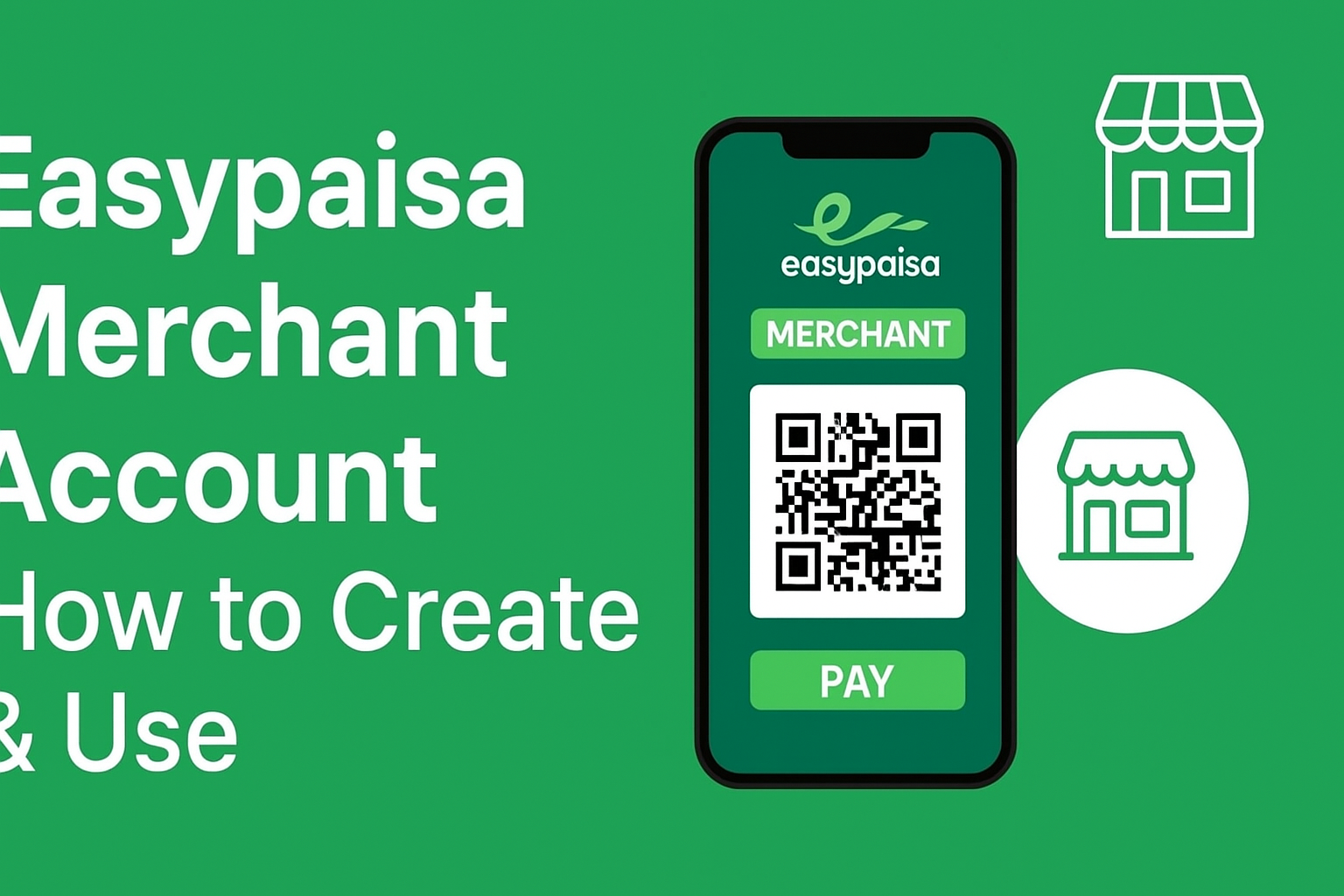
Easypaisa Merchant Account 2025 is a modern solution for businesses in Pakistan to receive payments digitally and securely. Whether you run a small shop, an online store, or a large enterprise, Easypaisa allows you to collect customer payments directly into your wallet through QR codes or payment links. This article explains how to create, verify, and use your Easypaisa merchant account effectively.
In this article, you’ll learn everything about how to create, verify, and use your Easypaisa Merchant Account to get paid online, along with the benefits, transaction limits, and FAQs.
What Is an Easypaisa Merchant Account?
An Easypaisa Merchant Account is a business version of the Easypaisa wallet that allows companies, freelancers, and shopkeepers to receive digital payments directly into their Easypaisa account. It supports payments through QR codes, mobile numbers, and even online integrations.
Unlike personal Easypaisa accounts, merchant accounts are designed for business transactions, with higher limits and access to exclusive cashback, analytics, and reporting tools.
Key Features:
- Receive instant customer payments
- Generate and use unique QR codes
- Track business transactions in real-time
- Access special cashback and business rewards
- Higher transaction and wallet limits
Benefits for Business Owners
Easypaisa Merchant Account offers numerous advantages for entrepreneurs and small business owners looking for secure, fast, and reliable payment collection options.
1. Instant Payment Collection
Merchants can collect payments instantly from customers by scanning QR codes or sending payment links.
2. No Need for Expensive POS Machines
Easypaisa QR payment replaces the need for physical POS terminals, saving both setup and maintenance costs.
3. Business Growth Insights
Easypaisa provides merchants with transaction summaries and insights that help track business growth.
4. Seamless Integration for Online Stores
Online sellers on platforms like Daraz or their own e-commerce stores can easily integrate Easypaisa for payment collection.
5. Low Transaction Fees
Easypaisa Merchant Accounts come with minimal transaction fees, making them ideal for small and medium-sized enterprises (SMEs).
6. Secure Transactions
All transactions are fully encrypted and monitored by Easypaisa to ensure safety and compliance with banking regulations.
How to Apply for an Easypaisa Merchant Account
Creating an Easypaisa Merchant Account is a simple process that can be completed either through the Easypaisa App or by contacting Easypaisa Business Support.
Method 1: Apply via Easypaisa App
Follow these easy steps to create your merchant account through the mobile app:
- Download and open the Easypaisa App (Android or iOS).
- Login or register with your mobile number.
- Tap on the “Business Account” or “Merchant Services” section.
- Fill in the business details such as:
- Business name
- CNIC
- Shop or online store name
- Address and category
- Upload required documents (CNIC front/back and a shop photo).
- Accept the terms and conditions.
- Submit your application.
Your account will be reviewed by Easypaisa and activated within 24–48 hours upon verification.
Method 2: Contact Easypaisa Business Support
You can also contact Easypaisa Business Support via:
- Email: merchant.support@easypaisa.com.pk
- Phone: 3737 (from Telenor) or 042-111-003-737
They will guide you through the documentation and onboarding process.
Payment Collection via QR
Once your Easypaisa Merchant Account is approved, you can easily receive payments using QR codes.
How It Works:
- Log into your Easypaisa Merchant Account.
- Tap on “QR Payments” to view your unique QR code.
- Print or display the QR code at your shop.
- Customers can scan it using their Easypaisa App to pay instantly.
You will receive a confirmation message as soon as the payment is made.
Benefits of QR Payments:
- 0% human error (no manual input required)
- Instant transaction notifications
- Safer and faster checkout for customers
- No internet required for QR payments (works offline too)
Fees and Limits
Easypaisa offers competitive transaction limits and low service fees for merchant accounts.
| Transaction Type | Limit (PKR) | Fee |
|---|---|---|
| Daily Receiving Limit | Up to 1,000,000 | 0% for incoming payments |
| Daily Sending Limit | 250,000 | Based on account level |
| QR Payment Charges | Free | None |
| Cash Withdrawal | Variable | Depends on Agent/ATM |
Note: Limits can vary depending on your KYC (Know Your Customer) level and business type.
Upgrade to Higher Limits:
To increase your merchant account limit, provide additional documents such as:
- CNIC
- Business registration certificate (if available)
- Proof of address
FAQs
1. Who can apply for an Easypaisa Merchant Account?
Any business owner, freelancer, or shopkeeper in Pakistan with a valid CNIC can apply for a merchant account.
2. How long does it take to activate a merchant account?
Usually, Easypaisa verifies and activates your merchant account within 1 to 2 business days after submission.
3. Is there any cost for creating a merchant account?
No, creating an Easypaisa Merchant Account is completely free.
4. Can I use the same number as my personal Easypaisa account?
Yes, but it is recommended to use a separate number for your business to keep transactions organized.
5. How do I check my merchant transactions?
You can check all your transaction history from the Easypaisa app under “Merchant Dashboard” or “Transaction History.”
6. What if I forget my Easypaisa merchant PIN?
You can reset it through the Easypaisa app or by calling the helpline for verification.
7. Can I withdraw funds from my merchant account?
Yes, you can withdraw funds anytime through Easypaisa agents or ATMs.
8. Does Easypaisa charge a fee for QR payments?
No, QR payments are completely free for both sender and receiver.
Conclusion
The Easypaisa Merchant Account 2025 is an essential tool for every business owner in Pakistan. It allows instant and secure payments, supports digital growth, and helps manage transactions efficiently without requiring complicated setups.
If you’re running a shop, e-commerce store, or freelancing business, now is the time to become an Easypaisa Merchant and start receiving payments directly to your Easypaisa wallet.
Internal Links:
→How to Create an Easypaisa Account Online (2025 Guide) – Easy Paisa Guide Edit