
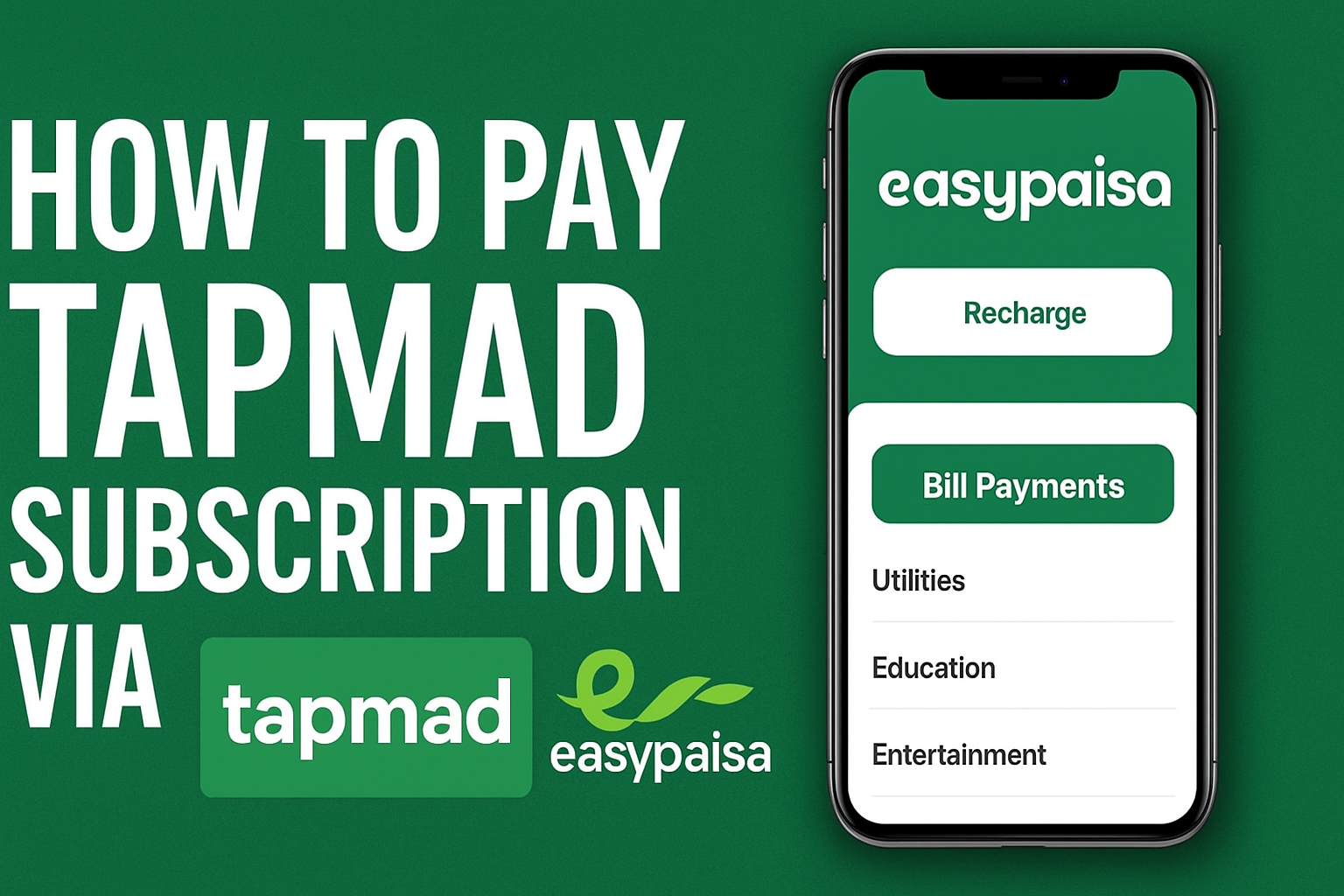
Tapmad Easypaisa Payment
If you are a Tapmad user in Pakistan and want a quick, hassle-free way to renew your subscription, then paying through Easypaisa is the fastest and safest option. Whether you prefer the Easypaisa app or the *786# USSD code, both methods allow you to complete your Tapmad subscription in under a minute.
In this complete 3000-word guide, you’ll learn step-by-step instructions, screenshots-style explanations, common payment failures, solutions, and helpful tips to make sure your Tapmad subscription payment goes smoothly every time.
✅ What is Tapmad? (Quick Overview)
Tapmad is one of Pakistan’s biggest OTT and live-streaming platforms, offering:
- Live sports (PSL, IPL, Football, Cricket)
- Entertainment channels
- Pakistani dramas
- International movies & shows
- Kids content
- 24/7 news channels
Tapmad works on:
- Android & iPhone apps
- Smart TVs
- Web browser
- Tablets
To enjoy all premium content, users must pay a Tapmad Premium Subscription, which can be easily renewed using Easypaisa.
✅ Why Pay Tapmad Subscription via Easypaisa?
Easypaisa provides quick digital payments without the need for a debit card or bank account.
Top reasons users prefer Easypaisa for Tapmad:
1. Instant Activation
Your Tapmad account becomes active within seconds after payment.
2. No Extra Charges
Easypaisa charges 0% fee for the subscription payment.
3. Works for All Users
Even users with old smartphones or without internet (USSD) can pay using *786#.
4. Safe & Secure
Easypaisa is a verified payment partner of Tapmad.
5. Easy Refunds
If a payment fails, refund is usually received within 24 hours.
✅ Tapmad Subscription Packages (2025)
Tapmad offers multiple packages depending on stream quality and channels.
| Package | Price (PKR) | Validity | Included |
|---|---|---|---|
| Tapmad Basic | 100–150 | Monthly | Mobile-only |
| Tapmad Premium | 199–299 | Monthly | HD streams + Live sports |
| Tapmad Annual | 2000–2500 | Yearly | All premium features |
| Tapmad Day Pass | 20–30 | 24 Hours | Quick access |
You can choose any of these and pay through Easypaisa.
✅ What You Need Before Payment
Make sure you have:
✅ Active Easypaisa account
✅ Enough balance
✅ Your Tapmad registered phone number
✅ Good internet (if using Easypaisa app)
✅ How to Pay Tapmad Subscription via Easypaisa
There are two official methods:
✅ Using Easypaisa App
✅ Using *786# USSD Code
Let’s cover both in detail.
✅ Steps to Pay Using Easypaisa App (Full Guide)
Follow these simple steps:
✅ Step 1: Open Easypaisa App
Login using:
- PIN code
- Fingerprint
- Face unlock
(whichever method you use)
✅ Step 2: Tap on “Bill Payments”
From the home screen:
👉 Look for the Bill Payments or Payments section.
You will see several categories.
✅ Step 3: Select “Entertainment” Category
Inside Bill Payments, tap:
Entertainment > Tapmad
If Tapmad is not visible, use the search bar and type:
✅ “Tapmad”
✅ Step 4: Enter Your Tapmad Registered Number
Input the phone number you used to create your Tapmad account.
Make sure the number is correct.
✅ Step 5: Choose Your Tapmad Subscription Package
Easypaisa will show available packages:
- Monthly Premium
- Monthly Basic
- Annual Plan
- Weekly or Daily (if available)
Select your desired package.
✅ Step 6: Confirm the Payment
Easypaisa will display:
- Package price
- Phone number
- Payment method (Easypaisa Wallet)
Tap “Confirm” → Enter your PIN.
✅ Step 7: Receive Confirmation
After successful payment:
- You will get an Easypaisa SMS
- Tapmad will send a subscription activation message
- Your Tapmad app will instantly show “Premium Active”
That’s it — your Tapmad subscription is successfully renewed!
✅ Pay via 786# USSD (No Internet Required)
This method works on all mobile phones, even without internet.
✅ Step 1: Dial 786#
Open your phone dialer and type:
*786#
Press Call.
✅ Step 2: Select “Bill Payment”
From the menu, choose:
1 – Bill Payment
✅ Step 3: Select “Entertainment”
Scroll until you find:
Entertainment / TV Subscriptions
✅ Step 4: Choose Tapmad
Tapmad will be listed under entertainment services.
Select:
Tapmad Subscription
✅ Step 5: Enter Your Phone Number
Enter the same mobile number used to sign up on Tapmad.
✅ Step 6: Choose Subscription Package
You will see available packages such as:
- Monthly Rs. 199
- Monthly Rs. 299
- Annual Rs. 2400
Pick the one you want.
✅ Step 7: Confirm Payment
Enter your Easypaisa PIN to complete payment.
✅ You will instantly receive an SMS confirming your subscription.
✅ Tips to Avoid Payment Failures
Payments sometimes fail due to incorrect details or low balance. Follow these tips to avoid issues:
✅ Tip 1: Maintain Sufficient Balance
Always keep extra Rs. 5–10 in your wallet to avoid payment processing errors.
✅ Tip 2: Enter Correct Phone Number
If the number doesn’t match your Tapmad account, the payment won’t activate.
✅ Tip 3: Stable Internet Connection (App Method)
Internet drop can interrupt payment flow.
✅ Tip 4: Avoid Peak Hours
Sometimes payment servers slow down between 7 PM – 10 PM.
✅ Tip 5: Don’t Retry Immediately After Failure
Wait 2–3 minutes before trying again, otherwise double deduction may occur.
✅ Check Payment Confirmation (Important)
After payment, always verify the subscription status.
✅ Check from Easypaisa:
- SMS receipt
- Transaction ID
- Easypaisa transaction history
✅ Check inside Tapmad app:
- Go to Settings
- Tap “My Subscription”
- Should show: Premium Active
If not updated, restart the Tapmad app.
✅ Common Problems & Solutions
Here are common issues users face when paying Tapmad through Easypaisa and how to fix them:
❗ 1. Payment Deducted but Subscription Not Activated
✅ Solution:
- Wait 10 minutes
- Restart Tapmad app
- Contact Tapmad support
- Share Easypaisa transaction ID
Most cases activate automatically.
❗ *2. USSD 786# Not Working
✅ Solutions:
- Dial 7867# (alternative menu)
- Restart phone
- Ensure mobile number is your Easypaisa SIM
❗ 3. “Invalid Number” Error
✅ Solution:
Make sure the number is the same as your Tapmad account login number.
❗ 4. Payment Declined
✅ Causes:
- Low balance
- Server downtime
- Incorrect PIN
✅ Fix:
Try again after 2 minutes
Why Tapmad + Easypaisa Is the Best Combo
Choosing Easypaisa for Tapmad subscriptions gives you:
✅ Quick payments
✅ No hidden charges
✅ Smooth experience
✅ 24/7 availability
✅ Zero risk of card fraud
For Pakistani users, this is definitely the easiest digital payment combo.
Frequently Asked Questions (FAQs)
Q1. Does Easypaisa charge any fee for Tapmad payments?
No, there is 0% extra fee.
Q2. How long does it take for the subscription to activate?
Activation is instant after completing payment.
Q3. Can I pay Tapmad subscription through JazzCash?
Yes, Tapmad also supports JazzCash, but Easypaisa is smoother.
Q4. What if I entered the wrong number?
Payment will not activate. You must contact Tapmad support.
Q5. Can I pay Tapmad through internet banking?
Yes, but Easypaisa is the fastest method.
Final Words
Paying Tapmad subscription through Easypaisa is one of the easiest, quickest, and safest methods in 2025. Whether you use the app or the *786# USSD code, your payment will be processed instantly, making your streaming experience smooth and uninterrupted.
This guide covered every detail you need:
✅ Step-by-step Easypaisa app method
✅ USSD *786# payment method
✅ Tips to avoid failure
✅ How to confirm activation
✅ Troubleshooting problems
If you follow the steps carefully, your Tapmad subscription will always activate without issues.