
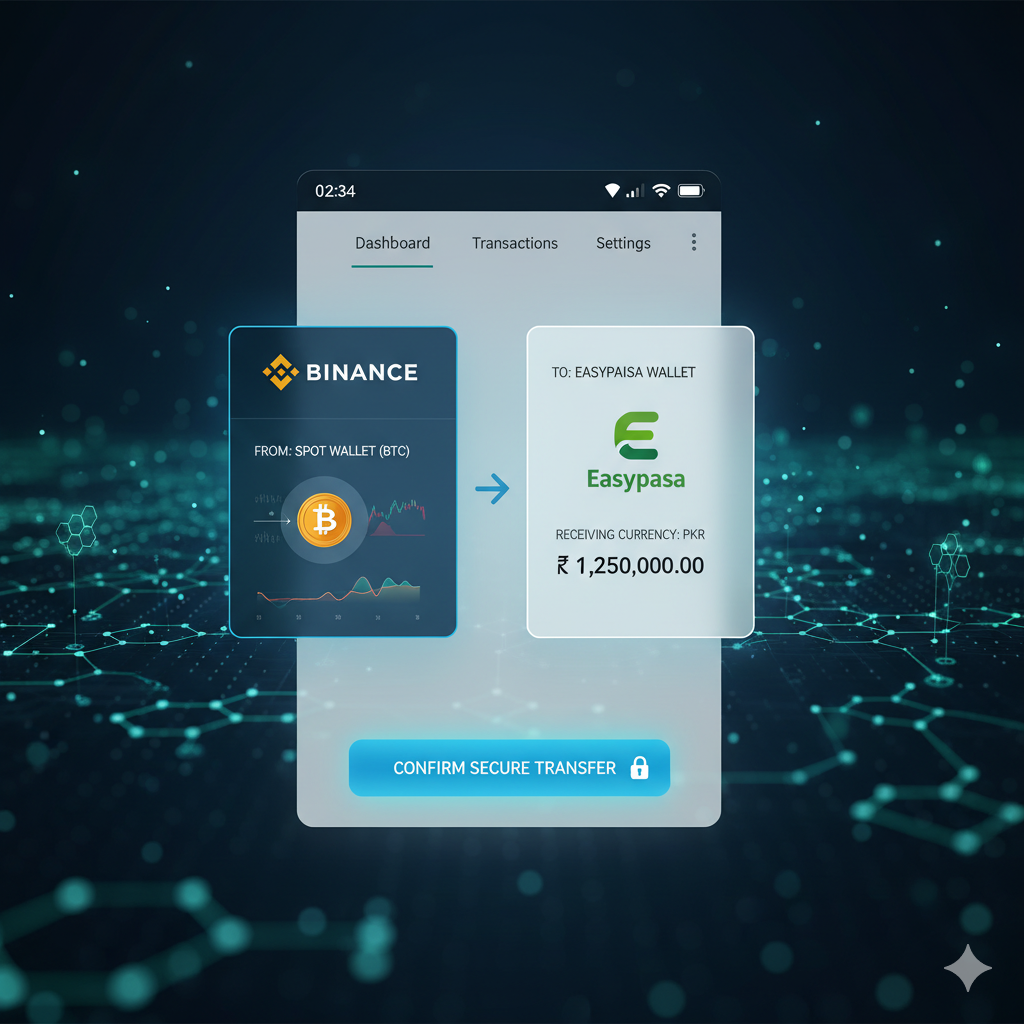
Sending your crypto earnings from Binance to Easypaisa is one of the most convenient ways for users in Pakistan to instantly convert digital assets into local PKR. Whether you’re trading regularly or cashing out after long-term holding, knowing the right process helps you avoid delays, scams, and unnecessary transaction fees.
This in-depth guide explains how to withdraw funds from Binance to Easypaisa, the safest methods, charges, limitations, and pro tips to ensure smooth transactions.
We’ll also cover how Pakistani users can link accounts safely and what to avoid while transferring cryptocurrency.
⭐ Why Withdraw Crypto to Easypaisa?
Easypaisa is Pakistan’s most widely used mobile wallet with millions of daily users. With its fast transfers, bank connectivity, and cash withdrawal network, it has become a preferred method for crypto cashouts.
Benefits of withdrawing crypto to Easypaisa:
- Instant PKR availability
- Safe wallet with PIN & biometric lock
- No bank involvement for small amounts
- Easy ATM or retailer cash-out
- Used by OTC dealers for crypto exchanges
Because Binance no longer supports direct PKR deposits or withdrawals in Pakistan, the P2P method is the only trusted solution for converting crypto to Easypaisa.
Steps for Linking Binance Account
Before you start the withdrawal, your account must be fully verified and secure. Follow these steps to prepare:
1. Create & Verify Your Binance Account
If you are new to Binance, sign up with your email or phone number.
Complete the following verifications:
- Identity Verification (KYC)
- Face Verification
- Address Verification (optional but useful)
This helps prevent transaction holds or P2P restrictions.
2. Enable Security Features
Before initiating any Binance to Easypaisa withdrawal, activate:
- 2-Factor Authentication (2FA)
- Phone Number Verification
- Anti-Phishing Code
- Withdrawal Whitelist
These layers help protect your crypto from unauthorized withdrawals.
3. Set Up Your Easypaisa Account
Make sure your Easypaisa wallet is:
- Verified with CNIC
- Linked to your mobile number
- Active and working properly
- Able to receive payments
Also check incoming transfer limits (daily/weekly/monthly).
4. Add Payment Preferences in Binance P2P
Although Binance no longer allows PKR bank transfers officially, P2P merchants in Pakistan often accept:
- Easypaisa
- JazzCash
- Bank Transfer
- Sadapay
- NayaPay
Go to:
Binance → P2P → Profile → Payment Methods → Add Method
Add Easypaisa with:
- Full Name
- Easypaisa Number
- CNIC Number
This prepares your account for smooth transactions during P2P trades.
Cryptocurrency Withdrawal Process
Here is the complete 2026 method to withdraw crypto from Binance to Easypaisa step by step:
Step 1: Convert Crypto to USDT
Most Pakistani P2P buyers prefer USDT, so convert your coin first.
Binance → Trade → Convert → Choose your coin → Convert to USDT
This step ensures the best rates and fastest transaction.
Step 2: Go to Binance P2P Marketplace
Navigate to:
Binance App → P2P Trading → Sell
Choose USDT and filter currency as PKR.
Step 3: Filter Trusted Buyers
To avoid scams, use these filters:
- ✔ Verified merchant badge
- ✔ High trade volume
- ✔ 90%+ completion rate
- ✔ Fast release time
- ✔ Positive reviews
Trust is extremely important when sending cryptocurrency for Easypaisa payments.
Step 4: Select “Easypaisa” as Payment Method
Click the buyer → Make sure they accept:
- Easypaisa wallet
- Easypaisa bank transfer
- Instant transfer option
The listing clearly mentions the accepted payment method.
Step 5: Enter the Amount to Sell
You can sell in two ways:
- Enter PKR amount you want
- Enter USDT you want to sell
Check the rate before confirming.
Step 6: Share Your Easypaisa Details with the Buyer
Once order starts, the buyer will ask for:
- Your Easypaisa mobile number
- Your name as per CNIC
Provide correct information to avoid delays.
Step 7: Wait for Payment in Easypaisa
Within a few minutes, you will receive PKR in your Easypaisa wallet.
Important:
Do NOT release crypto before receiving money.
Always check:
- SMS confirmation
- Easypaisa app balance
Step 8: Release Crypto to the Buyer
Once you confirm the money is received:
Click Release → Enter 2FA → Done.
Your Binance to Easypaisa withdrawal is successful.
Charges & Limitations
Although Binance does not charge for P2P selling, there are certain market-based charges.
1. Binance Fees
Binance itself does not charge any fee for:
- P2P trading
- Payment method addition
- Internal wallet transfers
However, conversion fees (crypto → USDT) may apply but are usually minimal.
2. Market Spread (Hidden Fee)
Merchants offer slightly lower rates than market, which is their profit.
Example:
Market USDT = 280 PKR
P2P Rate = 273–276 PKR
This difference is the operational cost.
3. Easypaisa Charges
Easypaisa charges may apply for:
- Sending large amounts
- Transferring to bank
- Cash withdrawal at agent
But receiving money from P2P merchant is free.
4. Daily & Monthly Limits
Your Easypaisa account has limits:
Level 0 (Unverified):
- Monthly limit low
- Not recommended
Level 1 (Verified):
- Higher receiving limit
- Suitable for small trades
Level 2 (Full CNIC):
- Can receive high amounts
- Best for crypto users
5. Binance P2P Limitations
Without full KYC, these restrictions apply:
- Limited daily P2P trades
- Withdrawal caps
- No high-value transactions
To avoid issues, always complete KYC.
Safety Tips & Verification (Must Read)
Crypto withdrawals in Pakistan are mostly P2P-based, which means security must be your top priority.
⭐ 1. Always Use Verified Merchants
Avoid new or unverified buyers.
Professional P2P traders complete hundreds of orders daily.
⭐ 2. Never Release Crypto Before Payment
Scammers may try to trick you into releasing fund early.
Always check:
- Easypaisa balance
- SMS confirmation
- App notification
⭐ 3. Double-Check Buyer’s Full Name
The name must match their Binance profile.
If different, cancel the order.
⭐ 4. Avoid Third-Person Payments
Always accept funds only from the same person who is trading with you.
Third-party transfers increase risk.
⭐ 5. Keep Transaction Records
Take screenshots of:
- Chat
- Payment confirmation
- Order ID
- Easypaisa receipt
Useful for disputes.
⭐ 6. Beware of Fake Screenshots
Scammers may send edited payment proofs.
Always verify through the Easypaisa app directly.
⭐ 7. Do Not Share Private Details
Never share:
- CNIC front/back
- Wallet login
- OTP codes
- Binance password
⭐ 8. If Payment Delays, Open a Dispute
If the merchant doesn’t send money within given time:
- Click Appeal
- Upload proof
- Binance support will help
This keeps your crypto safe until resolved.
Frequently Asked Questions (FAQ)
1. Can I withdraw directly from Binance to Easypaisa?
No direct withdrawal option exists.
You must use Binance P2P to convert crypto to PKR and receive funds in Easypaisa.
2. What is the fastest method?
Selling USDT on Binance P2P to an Easypaisa merchant is the fastest (2–5 minutes).
3. Is Easypaisa safe for crypto transactions?
Easypaisa itself is safe, but always ensure that P2P trades are verified.
4. What is the minimum withdrawal amount?
Most merchants allow trades starting from 1000 PKR.
5. Will Binance block my account if I do P2P frequently?
No, P2P trading is officially supported and safe.
6. Can I use JazzCash instead?
Yes, most P2P merchants accept JazzCash, NayaPay, Sadapay, and bank transfers.
Final Thoughts
With crypto adoption increasing in Pakistan, learning how to move your funds from Binance to Easypaisa is essential for fast and safe withdrawals. While Binance doesn’t support direct PKR transfers, the P2P method remains the most reliable system.
Follow the steps in this guide, choose trusted merchants, keep your accounts verified, and always double-check payments before releasing your crypto.
By doing so, you can enjoy smooth, secure, and profitable crypto cashouts every time.