
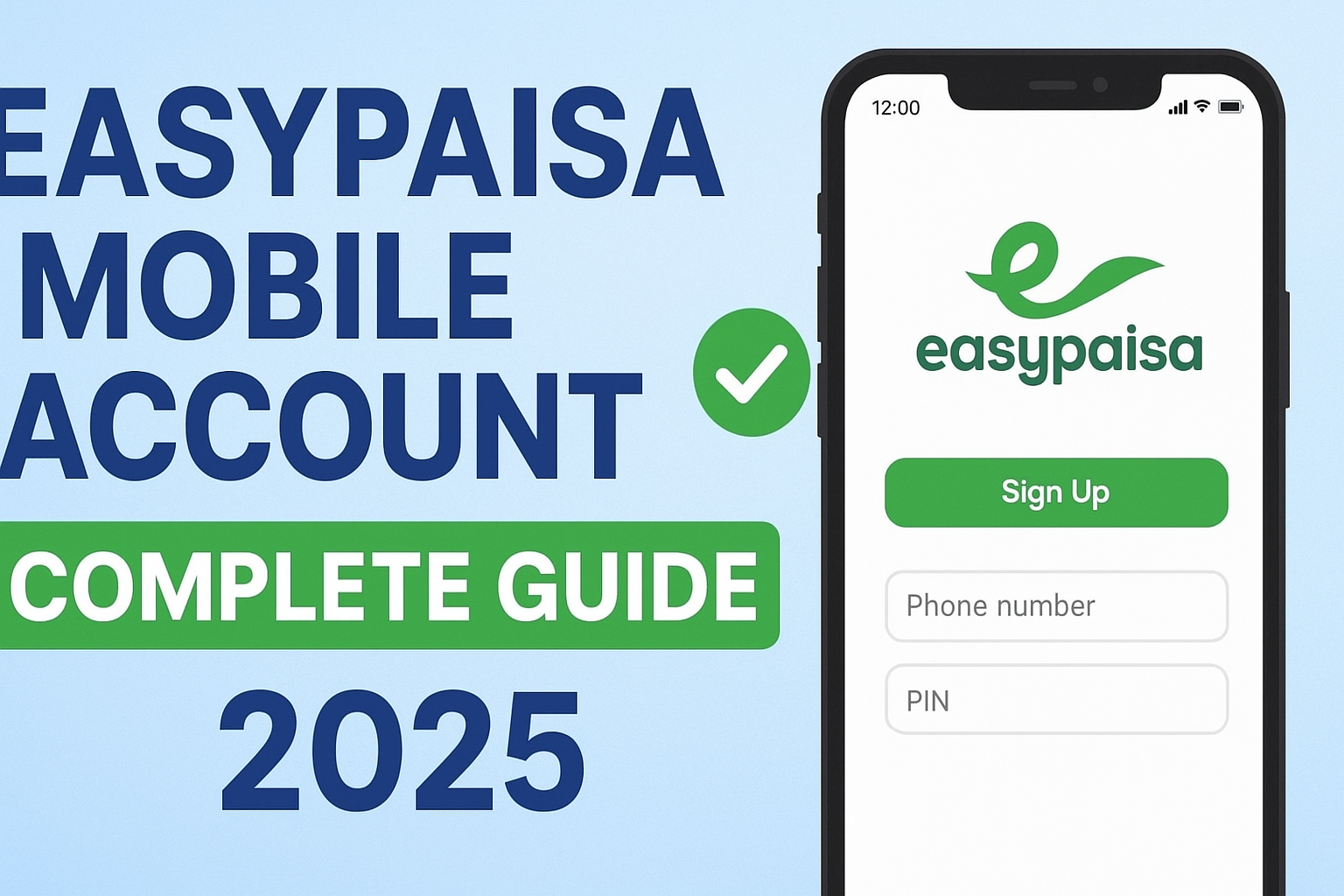
Everything You Must Know About Setup, Limits, Features & Upgrades
In today’s digital Pakistan, mobile wallets have become essential for fast payments, hassle-free money transfers, and secure online transactions. Among all digital wallet services, Easypaisa stands out as the most trusted and widely used platform, with millions of users using it for everyday payments. Whether you are a student, professional, business owner, or homemaker, an Easypaisa Mobile Account gives you full financial control right from your phone.
This comprehensive guide will walk you through what an Easypaisa Mobile Account is, its features, daily and monthly limits, how to set it up, and how to upgrade to an Asaan Digital Account. You’ll also get FAQs and links to related helpful resources.
Let’s begin.
What Is an Easypaisa Mobile Account?
An Easypaisa Mobile Account is a digital wallet linked to your CNIC and mobile number (Telenor or any other network). It lets you send and receive money, pay bills, recharge mobile balance, shop online, and perform dozens of other financial services — all without visiting a bank.
You can think of it as a mini bank account on your phone, requiring no paperwork, no minimum balance, and no hidden fees.
Who Can Create It?
Anyone with:
- A valid CNIC
- A mobile number (any network)
- A working smartphone (for app setup) or a basic phone (for *786# setup)
Easypaisa Mobile Accounts are divided into:
- Basic Mobile Account (Level 0) – Default account with lower limits
- Asaan Mobile Account – Verified through biometric or in-app upgrade
- Asaan Digital Account – Highest limits, ideal for business or high-usage customers
If you just need simple sending/receiving and bill payments, the basic mobile account works fine. If you need higher limits or business transactions, an upgraded account is better.
Features & Transaction Limits
Easypaisa Mobile Account comes with dozens of powerful features that make financial transactions quick and secure. Here’s a complete breakdown.
✅ 1. Send & Receive Money Instantly
You can transfer money:
- From Easypaisa to Easypaisa
- Easypaisa to Bank Account
- Bank Account to Easypaisa
- CNIC-to-CNIC money transfer
Transfers are processed instantly and available 24/7.
✅ 2. Bill Payments
Pay:
- Electricity bills
- Gas bills
- Water bills
- Internet and TV bills
- Government fees
- Challans
With no extra charges on most payments.
✅ 3. Mobile Top-up & Bundles
Recharge any network:
- Jazz
- Telenor
- Zong
- Ufone
You can also buy bundles at discounted rates.
✅ 4. Online Shopping Payments
Make secure online payments on:
- Daraz
- Foodpanda
- Online stores
- Subscription services
Easypaisa supports QR scans and merchant payments.
✅ 5. Requests & QR Payments
You can:
- Create QR codes
- Request payments
- Send payment links
A great feature for freelancers and small businesses.
✅ 6. Saving Plans & Insurance
Easypaisa offers:
- Savings plans with profit
- Insurance packages
- Micro-loans for eligible users
These services make Easypaisa a complete financial hub.
✅ Transaction Limits (2025)
Limits vary by account type. Here’s an updated breakdown:
1. Basic Easypaisa Mobile Account (Level 0)
These limits apply to newly created accounts.
| Type | Limit |
|---|---|
| Daily Debit Limit | Rs. 50,000 |
| Monthly Debit Limit | Rs. 200,000 |
| Daily Credit Limit | Rs. 50,000 |
| Monthly Credit Limit | Rs. 200,000 |
Ideal for light users.
2. Asaan Mobile Account (Level 1)
Higher limits after biometric or in-app verification.
| Type | Limit |
|---|---|
| Daily Debit Limit | Rs. 200,000 |
| Monthly Debit Limit | Rs. 1,000,000 |
| Daily Credit Limit | Rs. 200,000 |
| Monthly Credit Limit | Rs. 1,000,000 |
Perfect for professionals and freelancers.
3. Asaan Digital Account
Highest limits offered by Easypaisa.
| Type | Limit |
|---|---|
| Daily Debit Limit | Rs. 500,000+ |
| Monthly Debit Limit | Rs. 3,000,000+ |
| Daily Credit Limit | Rs. 500,000+ |
| Monthly Credit Limit | Rs. 3,000,000+ |
Best for businesses, high-value users, and those doing large transactions.
*How to Set Up via App or 786#
You can create your Easypaisa Mobile Account in two ways:
1. Setup Using Easypaisa App (Recommended)
This method provides the easiest and fastest setup with full features.
✅ Step-by-step guide:
Step 1: Install the Easypaisa App
Download from:
- Google Play Store
- Apple App Store
Search “Easypaisa – Payments Made Easy”.
Step 2: Open the App and Enter Your Mobile Number
Enter the mobile number that is registered on your CNIC.
Step 3: Enter CNIC & Issue Date
Provide:
- CNIC number
- CNIC issue date
This verifies your identity.
Step 4: Create a 5-digit PIN
Choose a secure PIN.
Never share this PIN with anyone.
Step 5: Account Created Successfully
You’re now ready to use:
- Money transfers
- Bill payments
- Online payments
- Saving plans
- And more
✅ *2. Setup via 786# (No App Needed)
This is ideal for users without smartphones.
Step-by-step guide:
- Dial *786#
- Enter CNIC number
- Enter CNIC issue date
- Create a 5-digit PIN
- Confirm registration
Your Easypaisa Mobile Account is activated instantly.
Upgrade to Asaan Digital Account
Upgrading your account unlocks higher limits, premium features, and business-level transactions.
You can upgrade directly through the Easypaisa app.
✅ Steps to Upgrade:
Step 1: Open Easypaisa App
Log in using your mobile number and PIN.
Step 2: Go to “Upgrade Account” Section
You’ll find it under:
Profile → Account Level → Upgrade
Step 3: Complete Biometric Verification
You may be asked to:
- Scan your face
- Upload a CNIC photo
- Provide additional details
The system verifies your identity.
Step 4: Upgrade Successful
Your account shifts to:
✅ Asaan Mobile Account
OR
✅ Asaan Digital Account (if eligible)
Benefits include:
- Higher daily/monthly limits
- Advanced financial features
- Easier business transactions
- Higher transfer caps
- Ability to spend digitally anywhere
Why Upgrade?
Upgrading is smart if you:
- Run a business
- Receive large payments
- Want maximum limits
- Need online shopping freedom
- Want a professional financial wallet
If you only use Easypaisa for small daily payments, your basic account is enough.
FAQs (Frequently Asked Questions)
Here are the most common questions users ask about Easypaisa Mobile Accounts:
1. Can I make an Easypaisa account without Telenor?
Yes. You can create it with Jazz, Zong, Ufone, or Telenor.
2. Is there any fee to open an Easypaisa Mobile Account?
No. It’s 100% free to open and use.
3. How can I reset my Easypaisa PIN?
Use:
- “Forgot PIN” option in the app
- Visit any Easypaisa retailer with your CNIC
4. Do I need biometric verification?
Not for the basic account.
But to upgrade to Asaan or Digital accounts, yes — biometric is required.
5. Can I withdraw money from Easypaisa?
Yes, from:
- Easypaisa shops
- Telenor Microfinance Bank ATMs
- Partner ATMs
6. Can I use Easypaisa for online shopping?
Yes. Easypaisa supports:
- QR payments
- Payment links
- Online merchant payments
7. What if I change my SIM?
Your account remains safe.
Just log in again with your number and PIN.
8. How to check my transaction limits?
Go to:
Profile → Account Details → Limits
9. Can I open more than one Easypaisa account?
One CNIC = One account.
Multiple accounts are not allowed.
10. How to close my account?
Call Easypaisa helpline or visit a branch with your CNIC.
RELATED:
→ How to Create an Easypaisa Account Online (2025 Guide) – Easy Paisa Guide
→ 0347 Easypaisa Number Explained (2025) | Meaning, Uses & Complete Guide – Easy
2 thoughts on “Easypaisa Mobile Account Complete Guide (2025)”